Features
Everything a building needs, in one model.
Model it once in 3D. Plans, sections, interiors, schedules and sheets are drawn from that one model and stay in step with it, and IFC and DWG carry it to everyone else.
01 — Modelling
Model the way architects think.
01
Elements with real build-ups
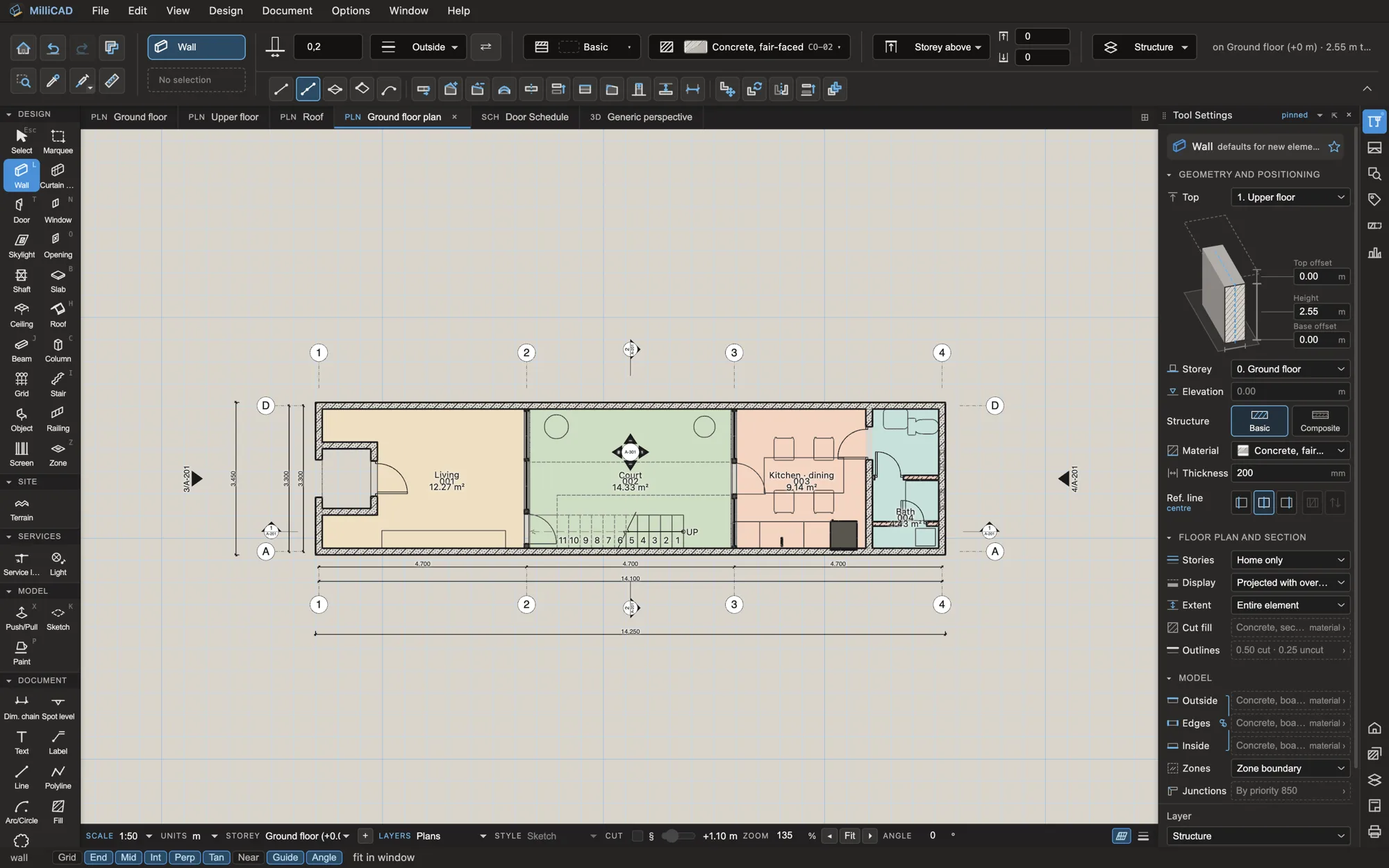
Walls, slabs, roofs and more
Walls, slabs, roofs, columns, beams, stairs, ramps, curtain walls, railings, ceilings and footings, each with its layers, materials and junctions. Composite walls and slabs join skin by skin, and doors and windows are built from frames, leaves, glazing, sills and architraves.
- Multi-plane roofs from a footprint, with hips and ridges
- Stairs with winders, curved flights and spirals
- Curtain walls with door, window and louvre panels
- Corner windows, skylights and openings of any shape
02
Click, type, Enter
The way you draw
Every tool works the same way: click a point, type a distance, press Tab for the next value, press Enter. Distance guides show where you are, snapping works in 3D, and editing planes put the sketch on any face. Select something and its edits appear in the top bar; settings stay in the side panel, never in a dialog over your work.
- Live distance guides you can retarget and turn into dimensions
- Rotate, stretch, offset, fillet and split on every element
- Free-form solids, sketches, splines and Rhino 3dm import
- Groups, locks, align and distribute
02 — Documentation
Documents that keep up with the design.
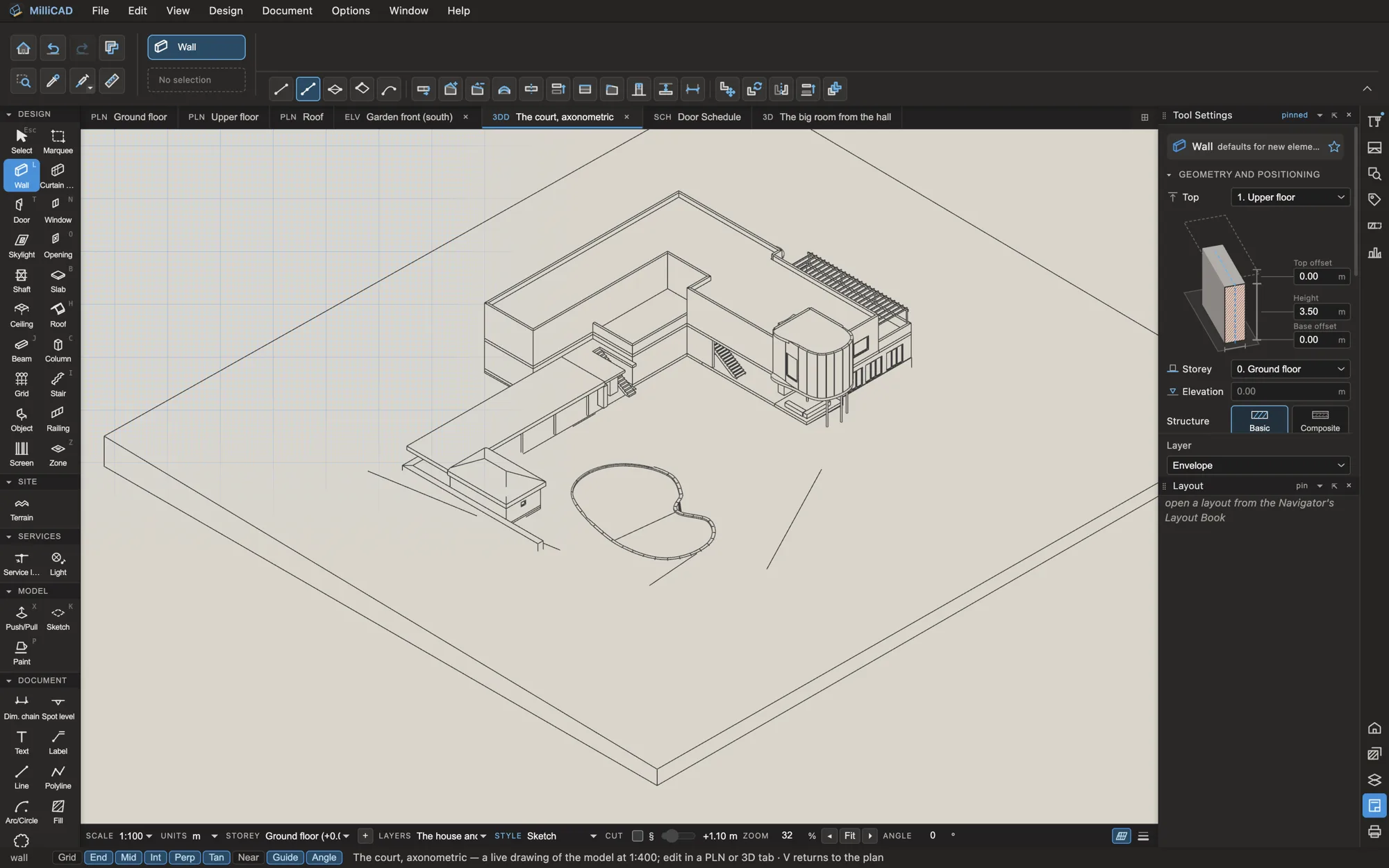
Views are drawn from the model, not copied from it. Change a wall and every plan, section, schedule and sheet that shows it follows.
Views
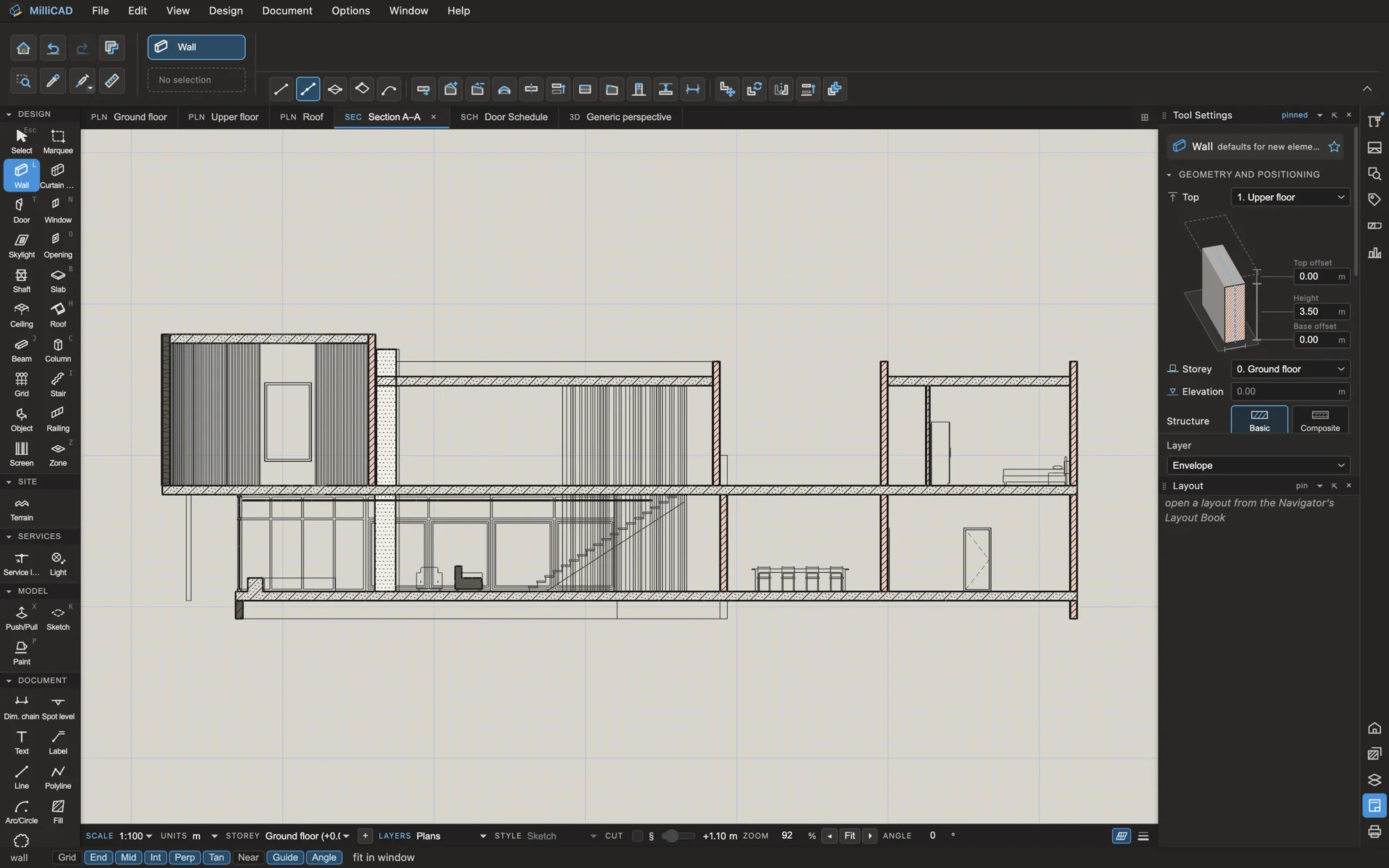
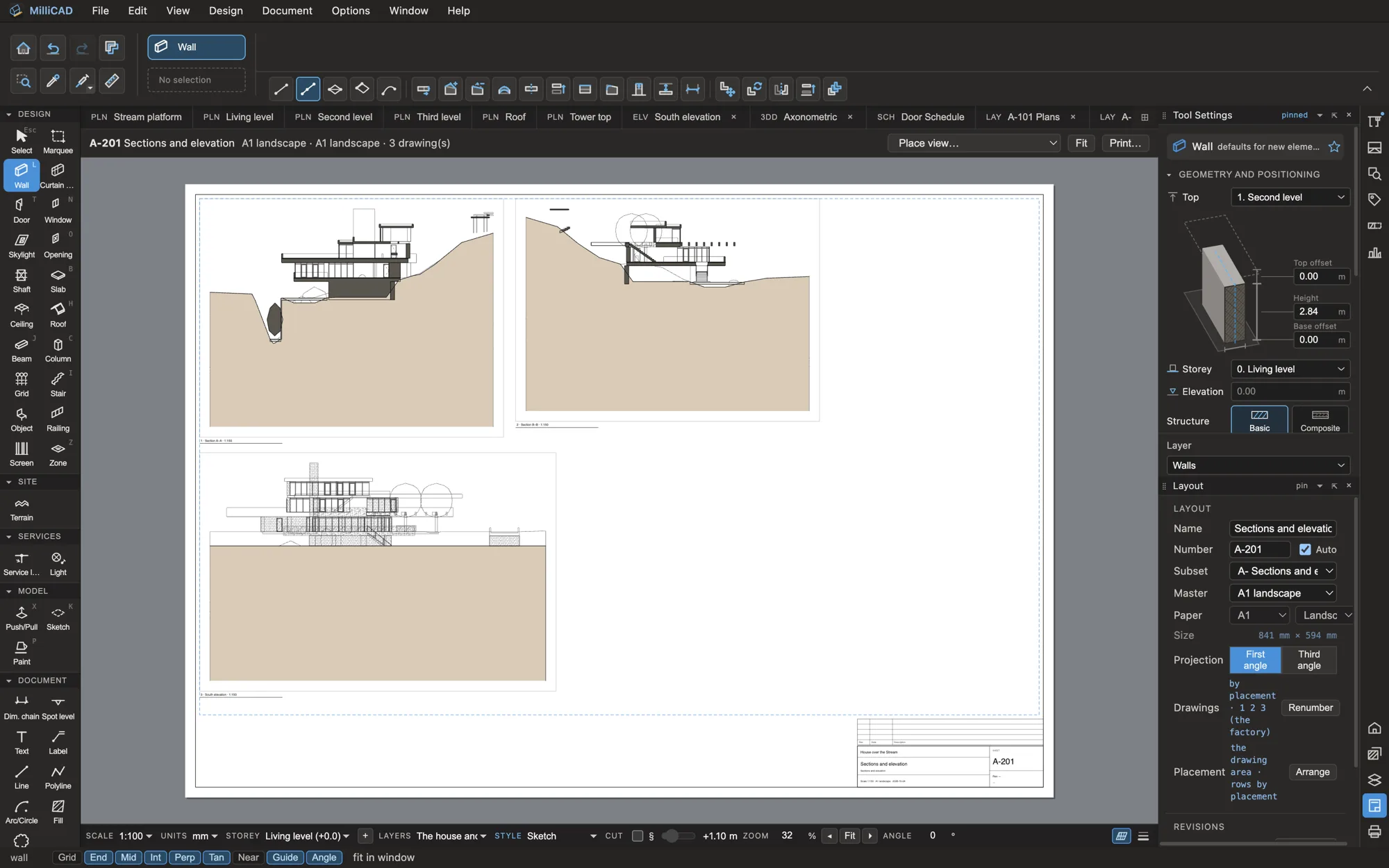
Plans, sections, elevations
Floor plans with their view range, sections and elevations placed the way architects place them, interior elevations made room by room, details, worksheets and 3D documents.
Sheets
A layout book that holds
Masters with title blocks, drawing titles, sheet numbers that stay put, revisions with clouds, transmittals, and publish sets to PDF (with bookmarks and layers), DWG and DXF.
Schedules
Schedules from the model
Doors, windows, walls, rooms, finishes and FF&E, with pictures, totals and keynotes. Edit a cell and the model changes; export to XLSX or CSV.
Annotation
Dimensions, labels and legends that read the model.
- DimensionsStyles, chains and automatic exterior rows
- LabelsLive labels by element kind, with leaders
- KeynotesOn types and materials, with legends per sheet
- Levels and gridsSpot levels, storey levels, grid systems in every view
03 — Interoperability
Open by design.
MilliCAD keeps its model as IFC, so what you hand over is the model itself, not an export of something else.
03
Exchange with any office
IFC, DWG, DXF and more
Send consultants IFC 4.3 or IFC 2×3 and get their models back. Send DWG and DXF that AutoCAD edits cleanly, or link their drawings into yours. Take the model to Twinmotion, Blender or SketchUp through glTF.
- IFC in and out, keeping element IDs between exchanges
- DWG (AutoCAD 2013 by default) and DXF, linked or imported
- PDF, SVG, XLSX and CSV for drawings and schedules
- glTF, OBJ, FBX and STL for visualisation and printing
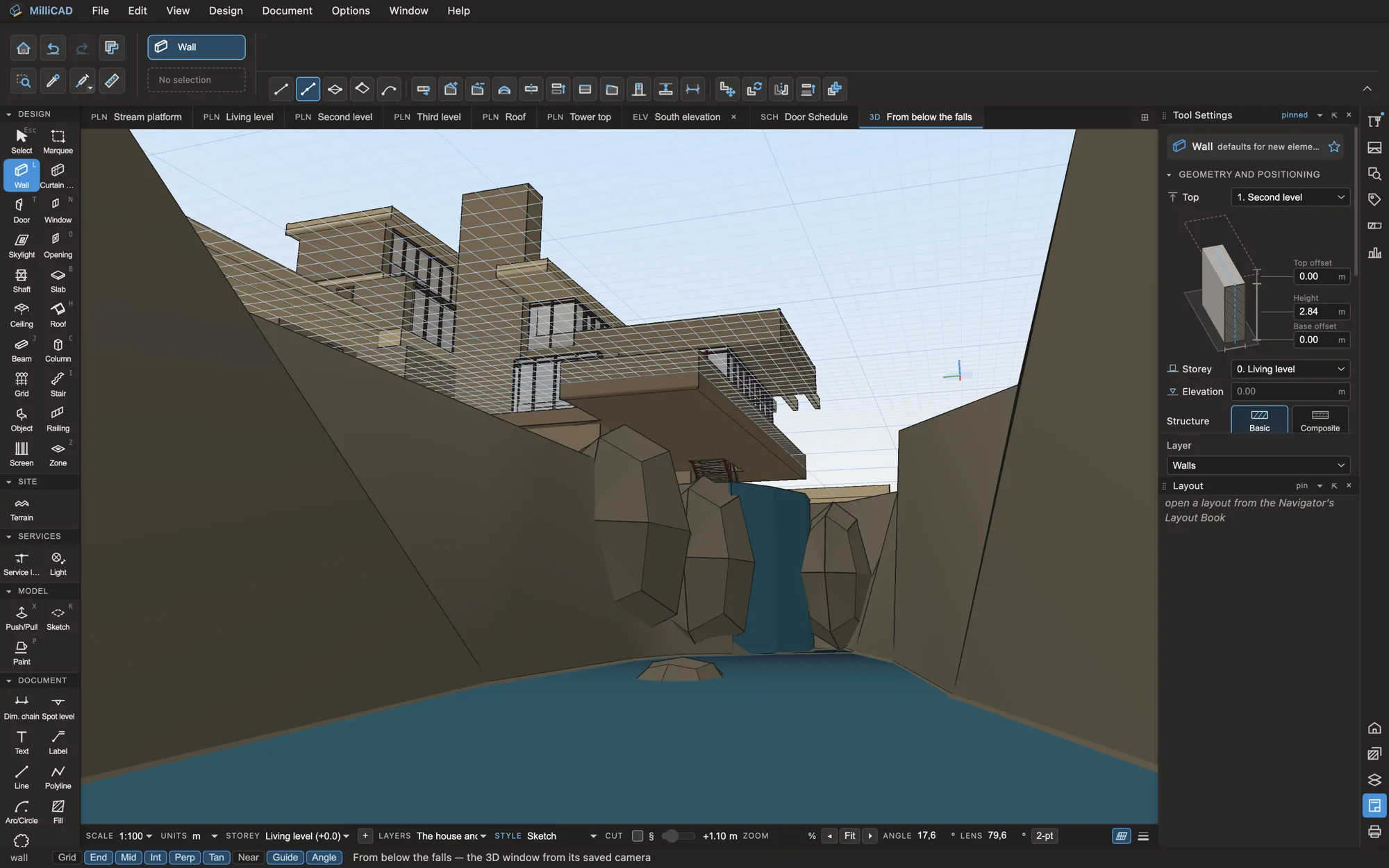
< 2 s
to open a 50,000-element model
≈ 35 fps
orbiting that model in 3D
IFC 4.3
and IFC 2×3, in and out
Offline
your project is a file on your disk
Early access
See it on your own project.
Design partners use MilliCAD on real work and shape what comes next.